
Clean
Caches, logs, and system junk — every item reviewable before it is deleted.
- User and system caches, logs, mail attachments, Trash bins
- Running-app caches are flagged, never yanked
- Nothing is removed until you approve the review list
Features
FastSweep brings nine scannable care surfaces, a live health score, and review-first cleanup into a single native app — with Monitor and Shredder as always-on surfaces beside them.
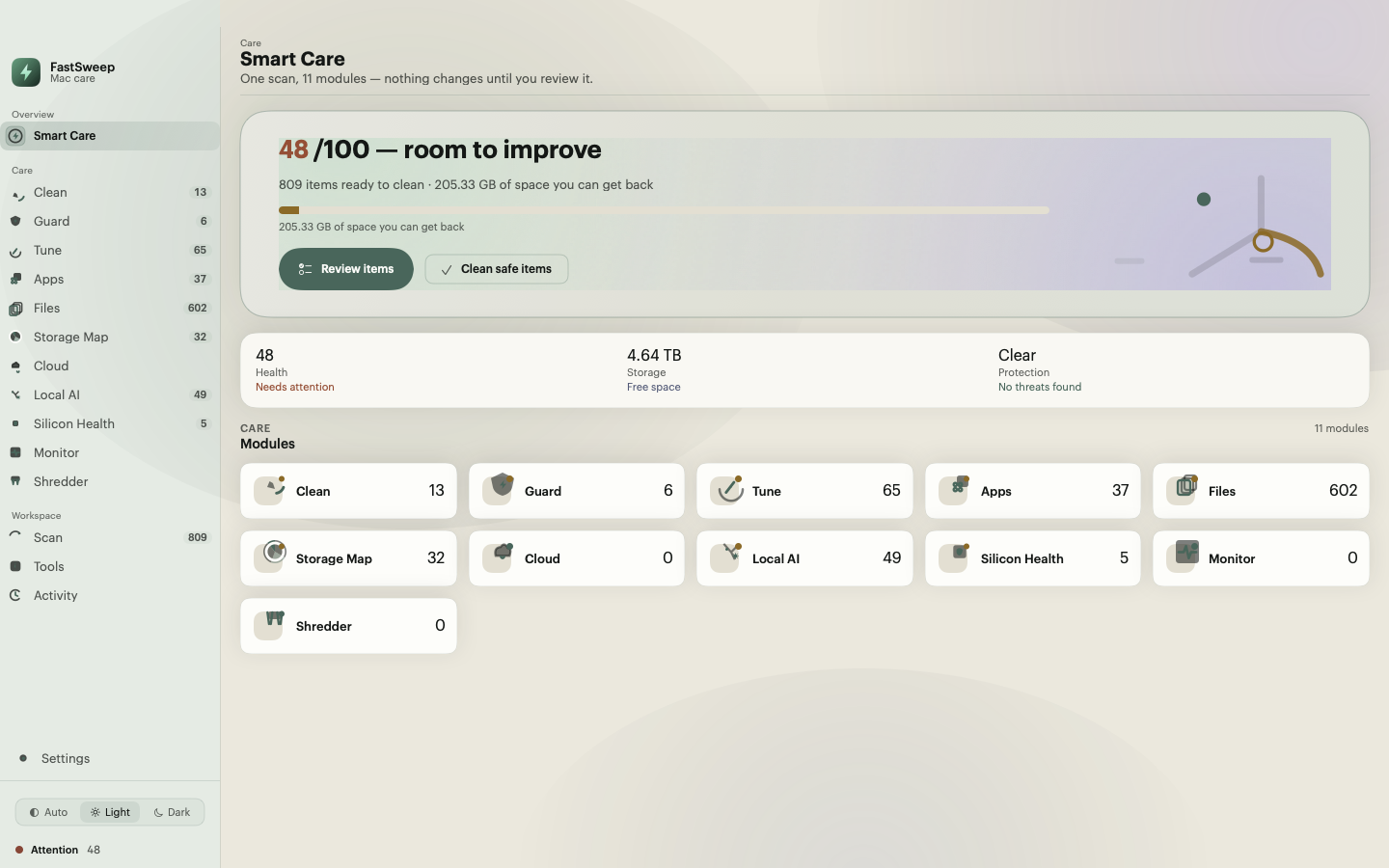
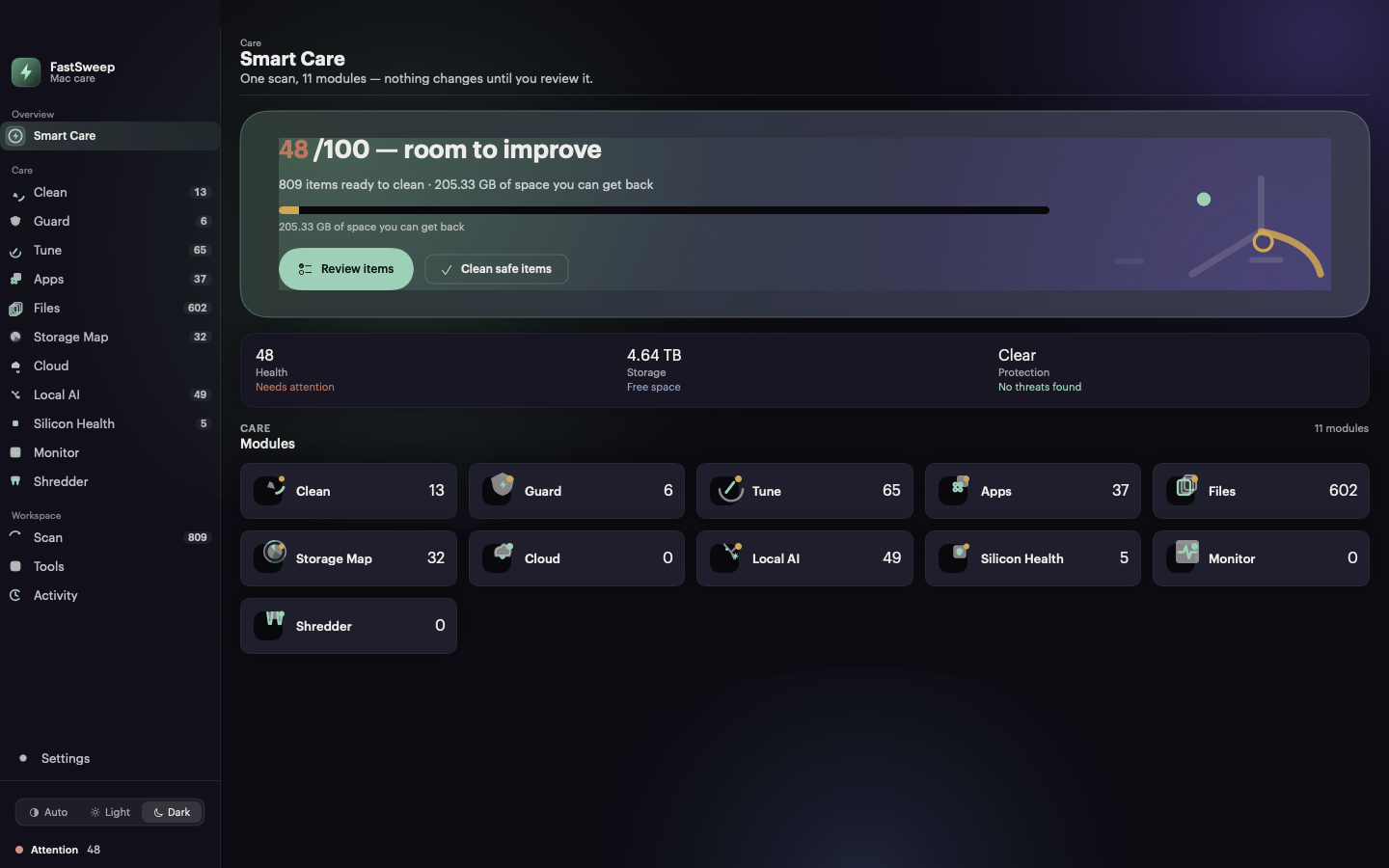
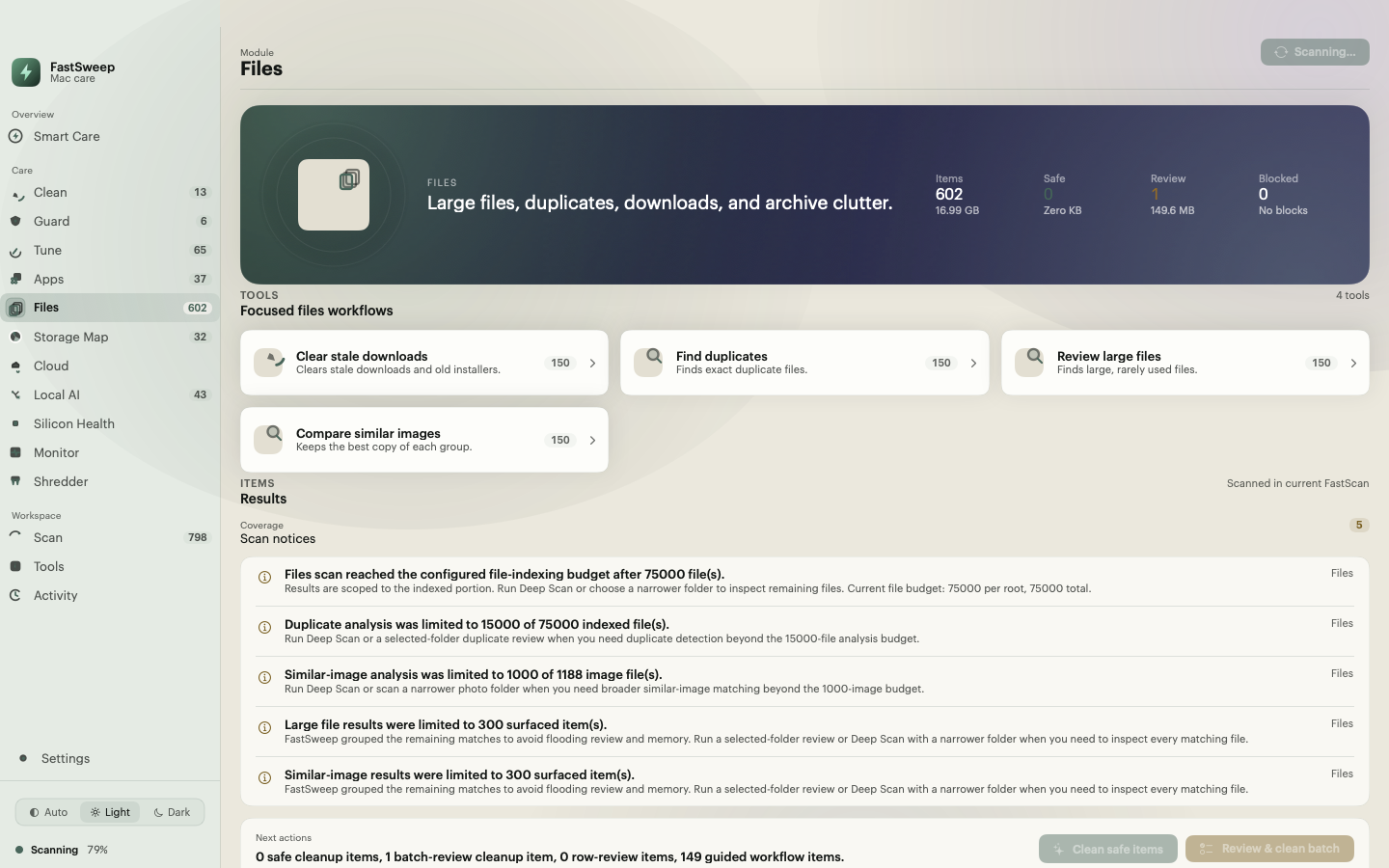
One click scans Clean, Guard, Tune, Apps, Files, Storage Map, Cloud, Local AI, and Silicon Health, then computes a 0–100 health score with plain-language reasons. Caches, logs, app leftovers, similar images, and large files each arrive as reviewable findings with a reason, a size, and a proposed action. Similar-image clusters open a side-by-side visual compare so you keep the right frame.
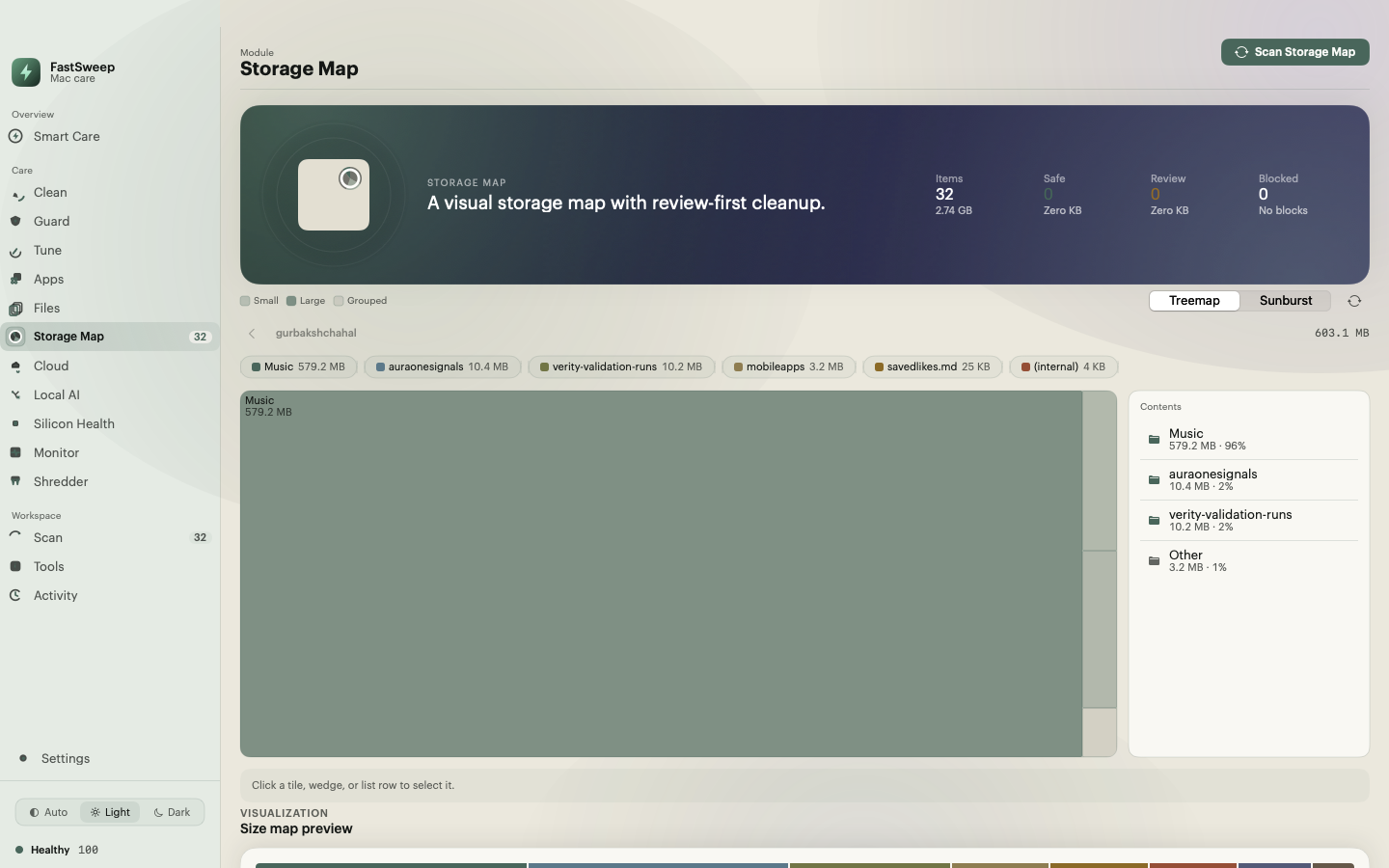
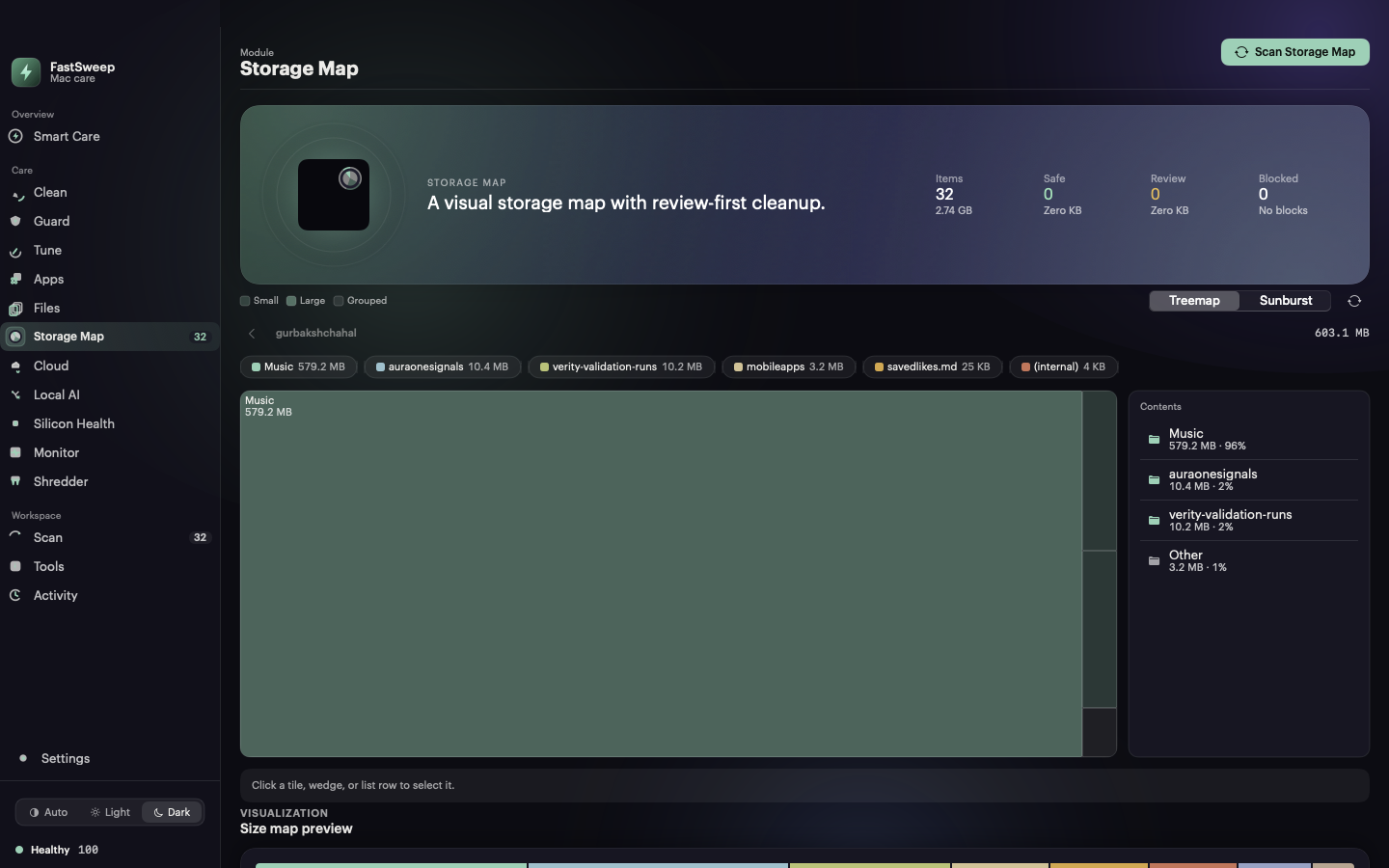
The Storage Map builds a graphical, zoomable treemap of what occupies the volume, with a sunburst alternative and a synchronized list for keyboard and VoiceOver users. Click a tile to drill down; selection feeds the review-first removal flow. The graphic itself never deletes anything.
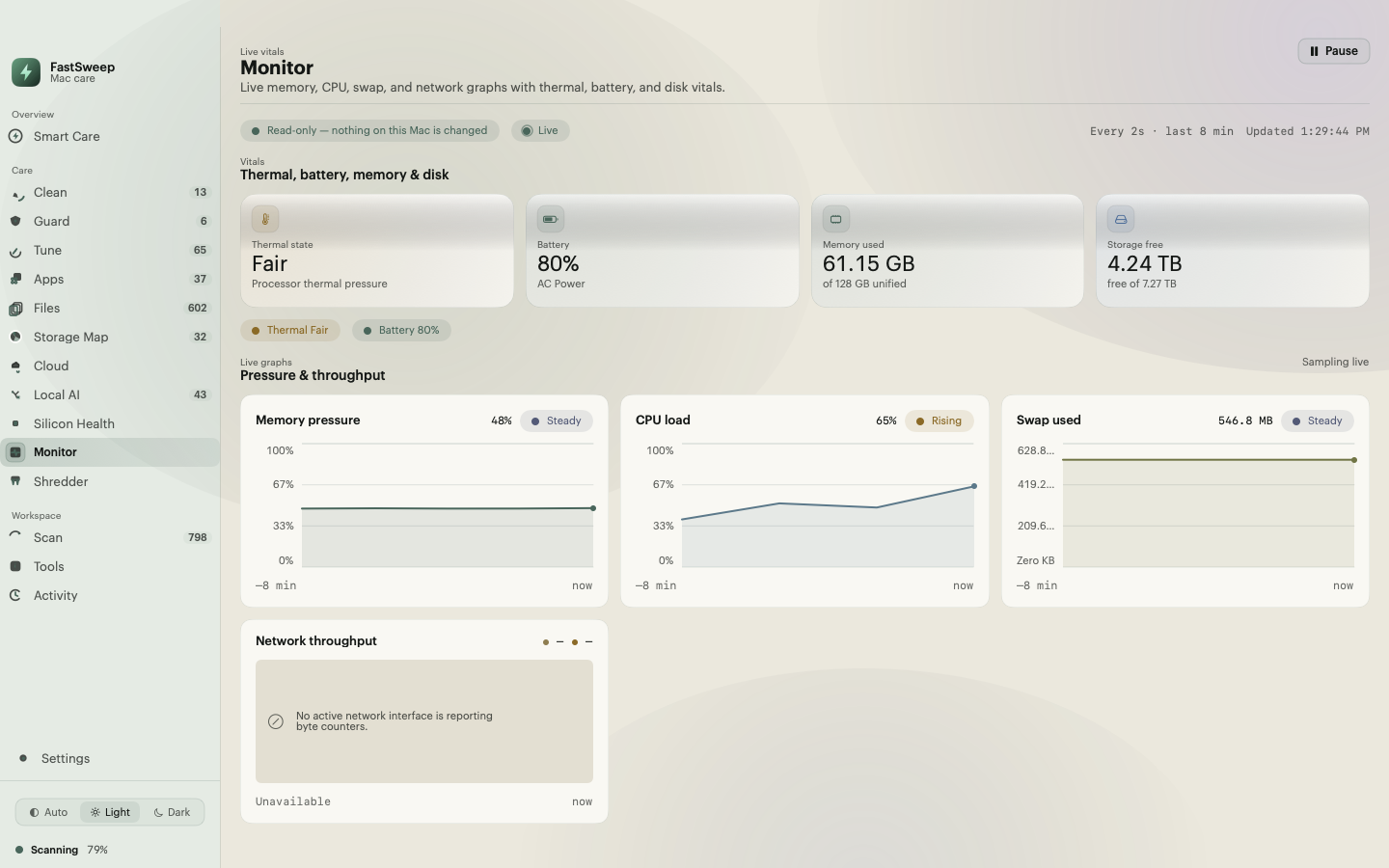
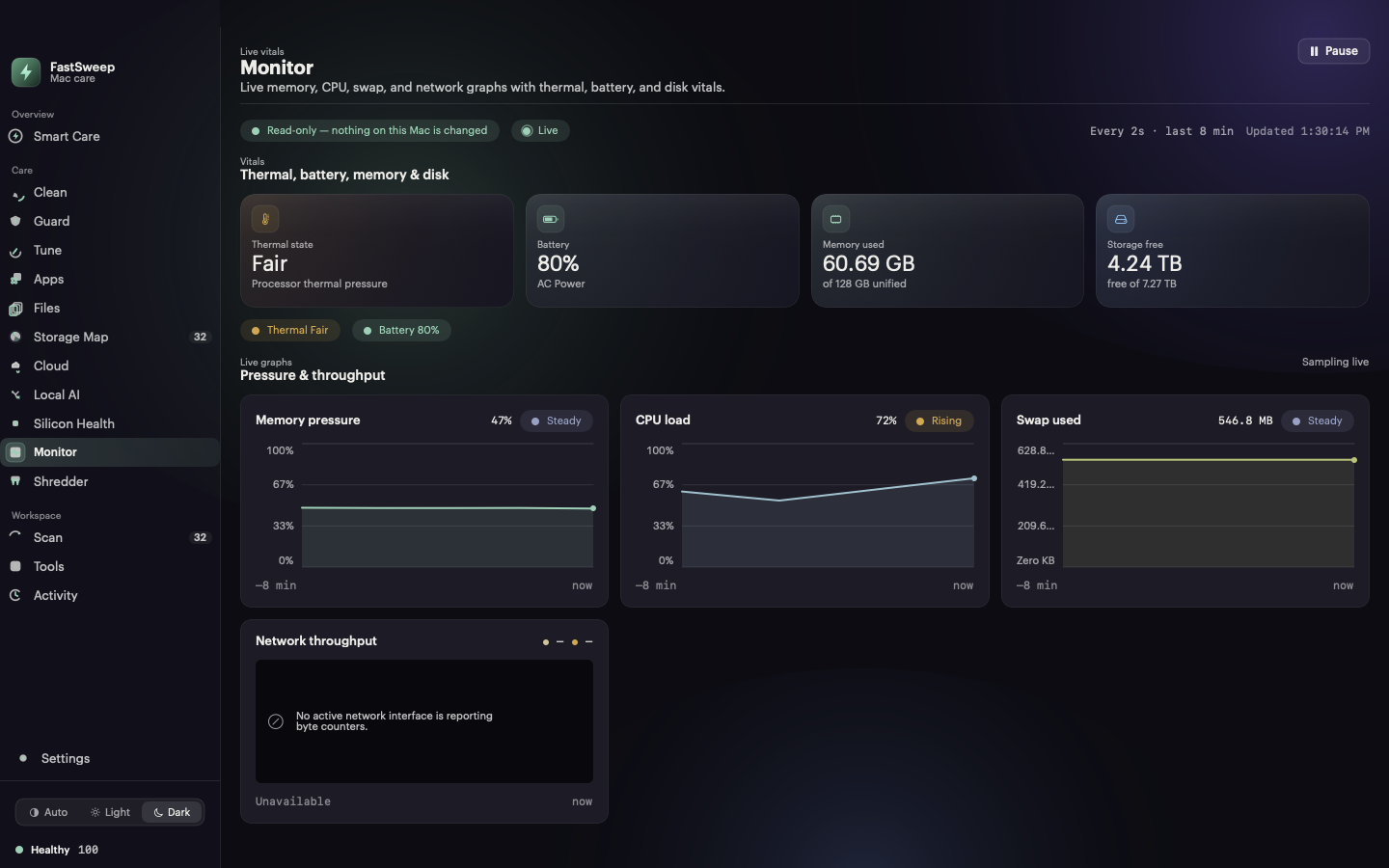
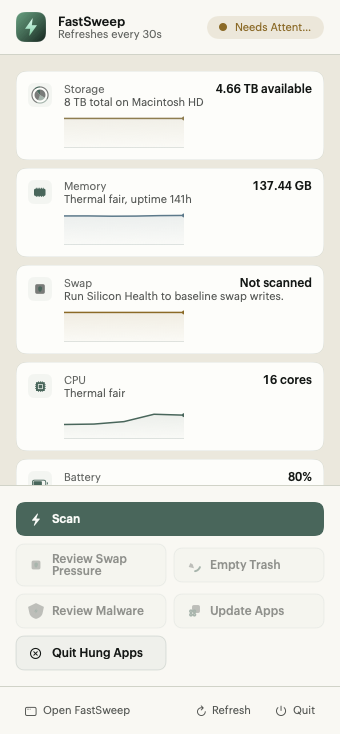
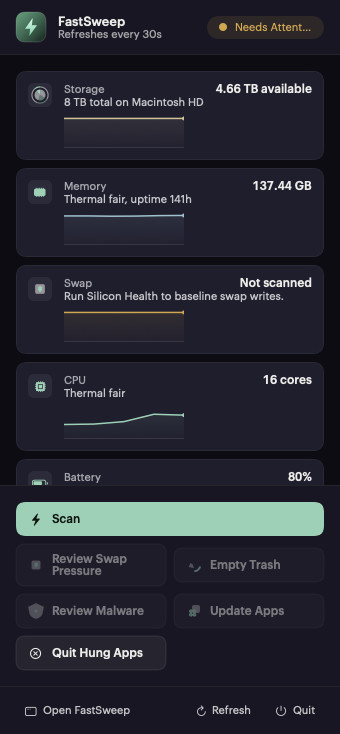
The Monitor samples CPU load, memory used and pressure, swap, network throughput, battery, and free storage every two seconds over a rolling window, alongside thermal state. It is observational by design: the surface states plainly that nothing on this Mac is changed. The same signals appear as sparklines in the menu-bar popover.
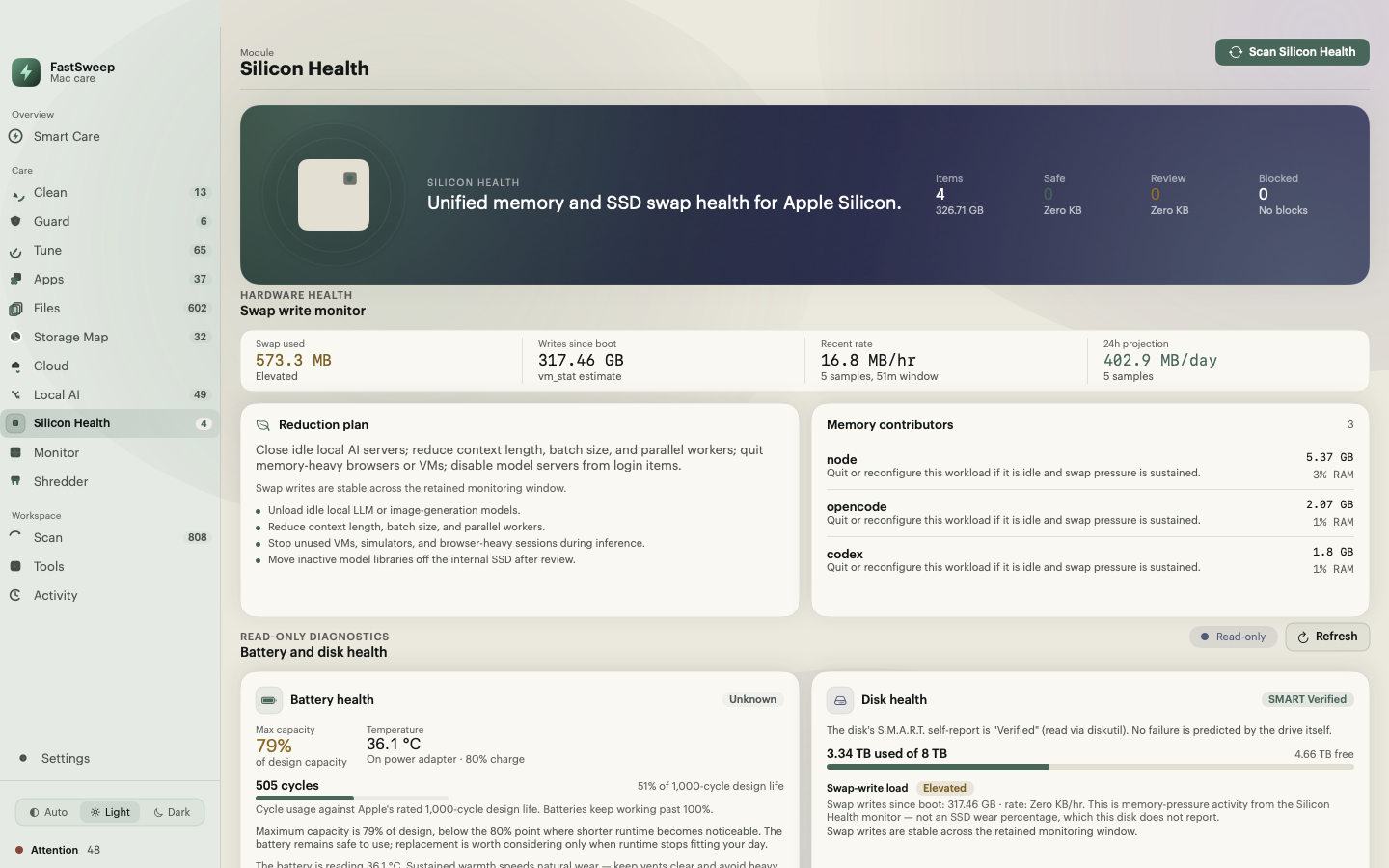
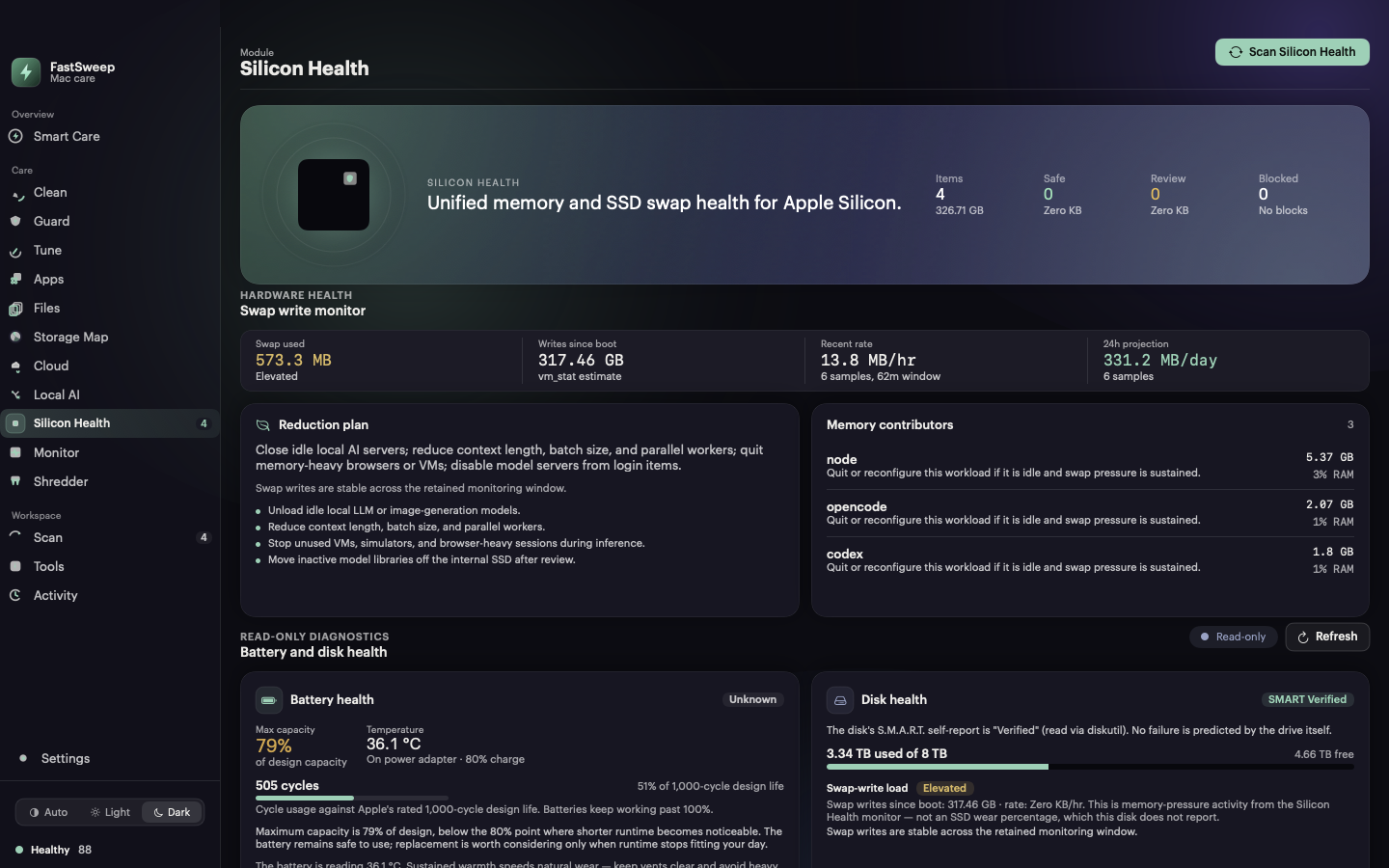
Silicon Health measures swap-write rate and a 24-hour projection from real samples, names the memory contributors driving pressure, and pairs that with read-only hardware facts: battery cycle count against the rated 1,000-cycle design life, and the disk S.M.A.R.T. status exactly as macOS reports it. Where a disk exposes no S.M.A.R.T. data, FastSweep says so instead of guessing a wear percentage.
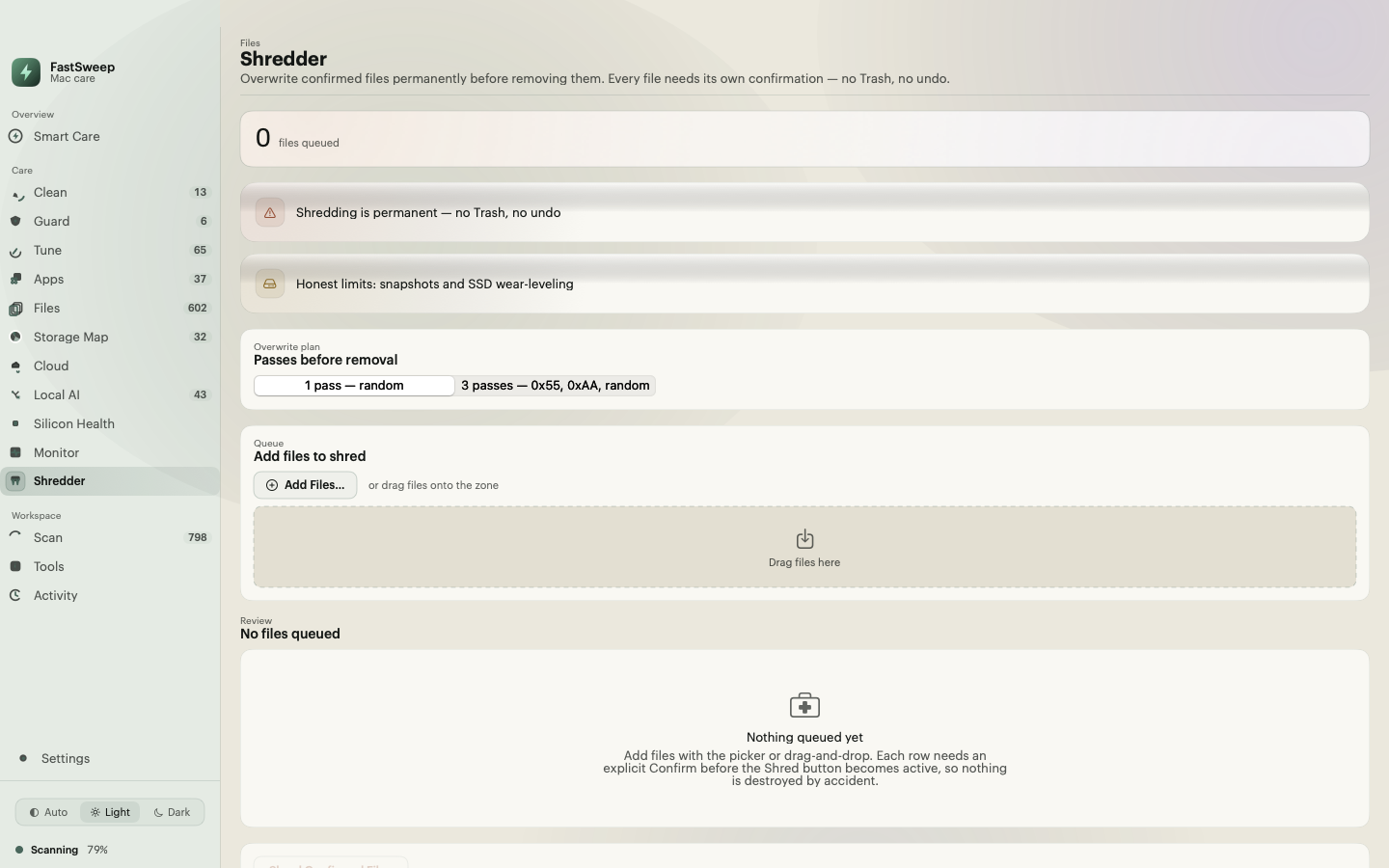
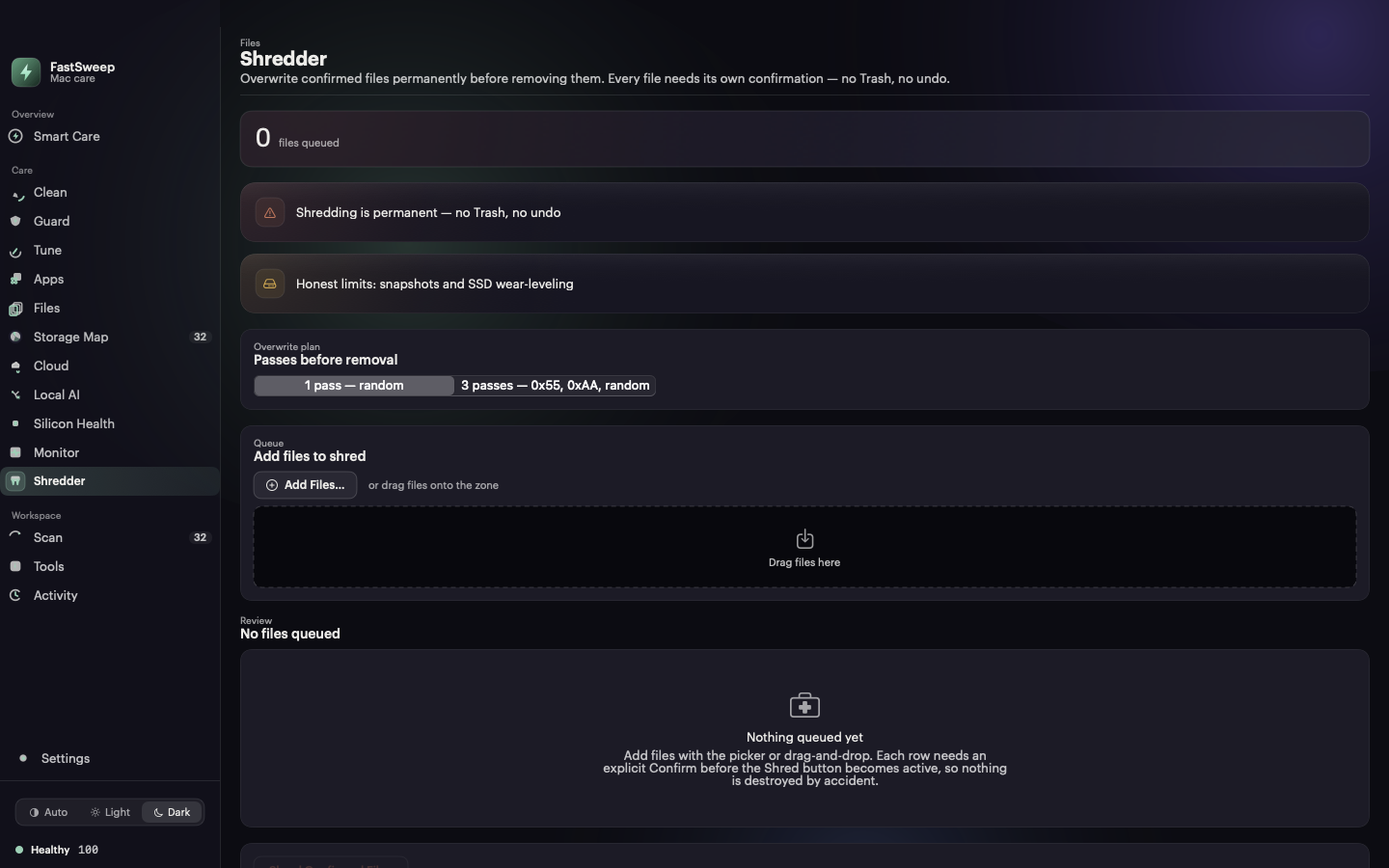
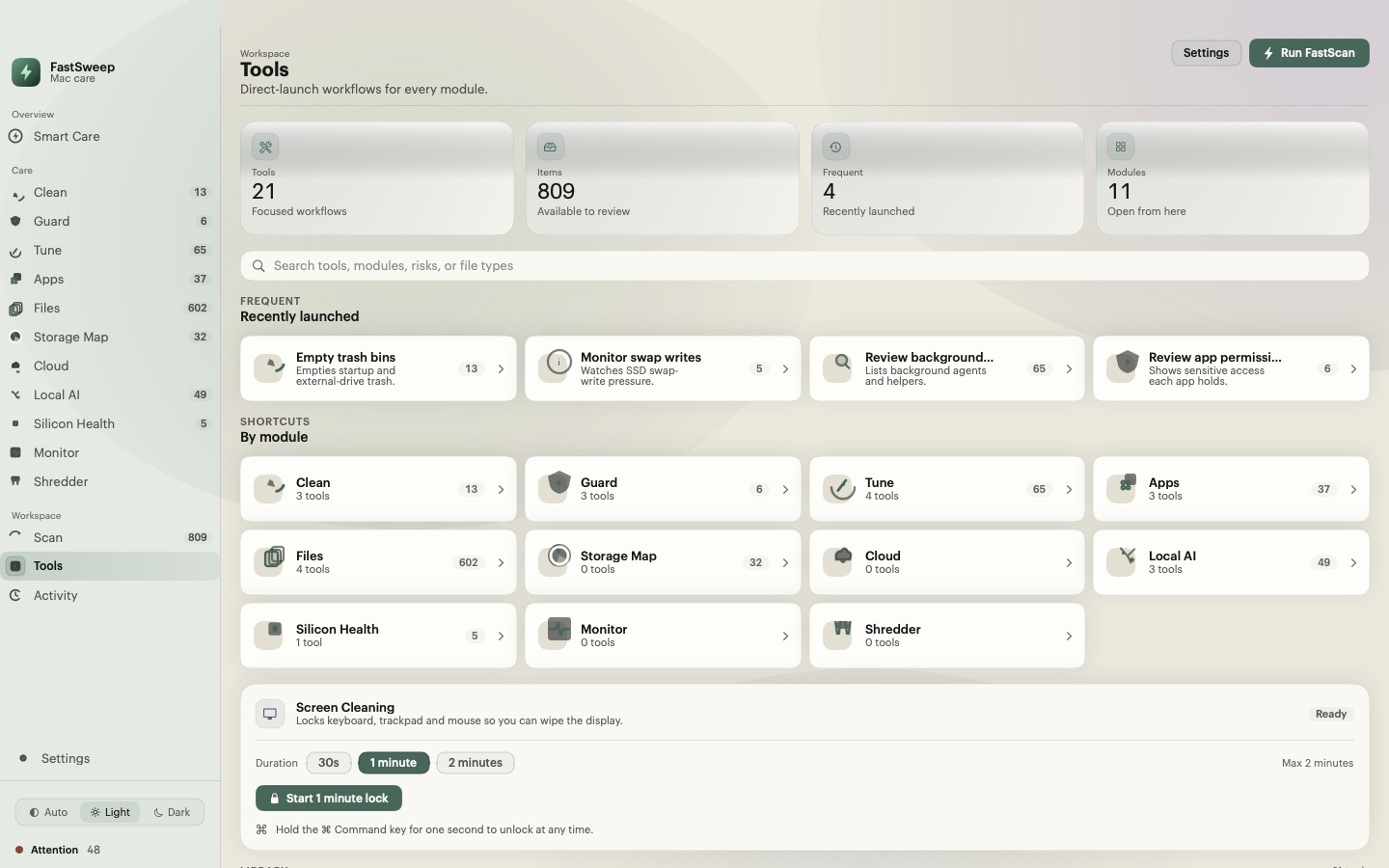
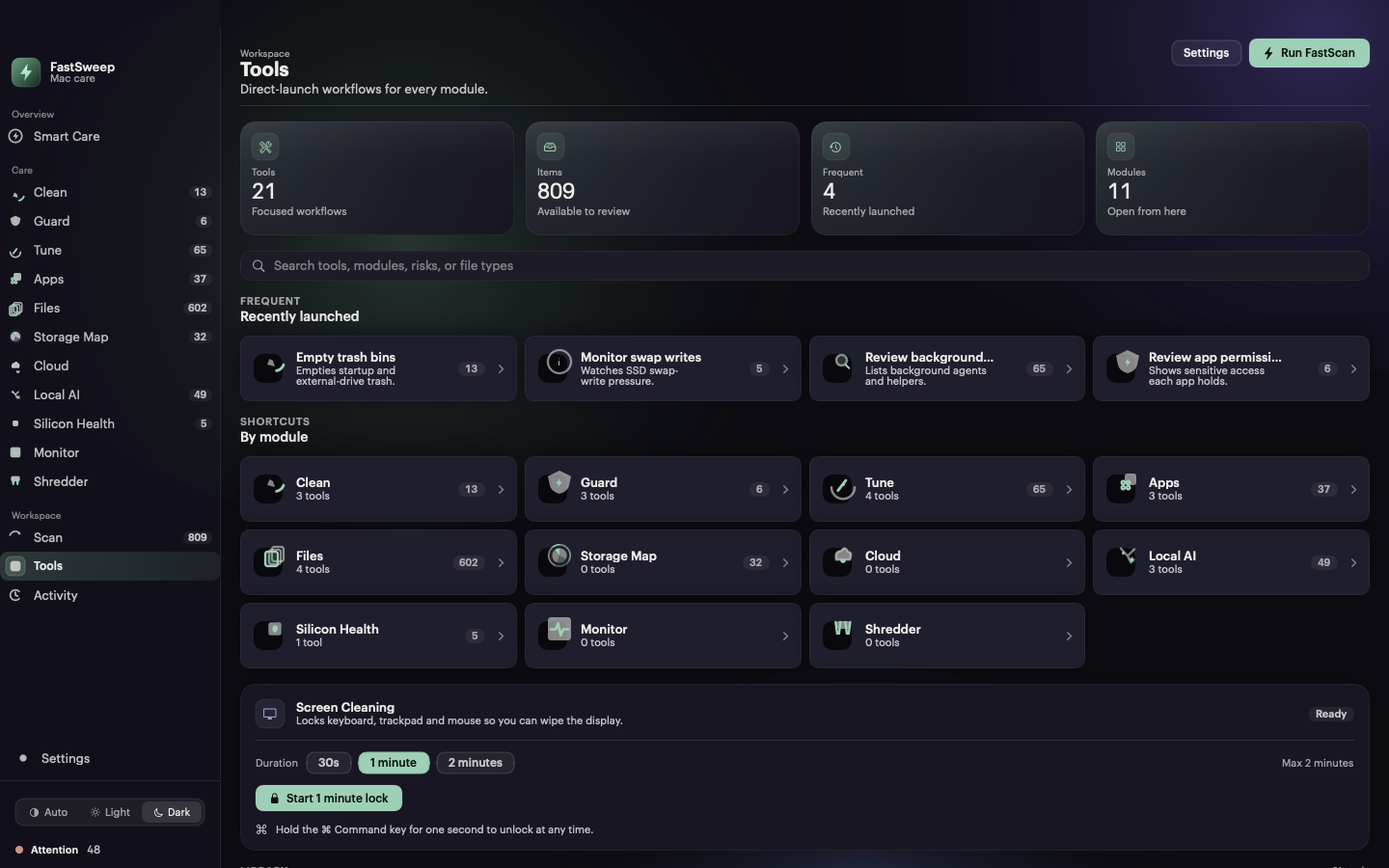
The Shredder overwrites selected files with one or three passes before truncate and unlink, with an explicit per-file confirmation and a permanent-deletion warning up front — including the honest limits of overwriting on APFS snapshots and wear-leveled SSDs. Around it, the Tools workspace direct-launches focused workflows for every care surface, from duplicate finding to app leftovers and CLI caches.
Workspace
Tools collects focused workflows — duplicate finder, app leftovers, CLI and editor caches, login items, maintenance tasks, and more — with search, recently launched shortcuts, and per-module groupings. In the Direct edition it also hosts Screen Cleaning Mode.
Eleven care surfaces
Fast Scan covers nine of them in a single pass. Monitor and Shredder are always-on surfaces outside the scan. Surfaces marked Direct need the Direct edition, because the App Sandbox cannot do writes.
Caches, logs, and system junk — every item reviewable before it is deleted.
Signature malware scan plus a user-space realtime file-event watch.
Maintenance tasks, login items, and background services you control.
An inventory with on-demand sizes and an uninstaller that finds leftovers.
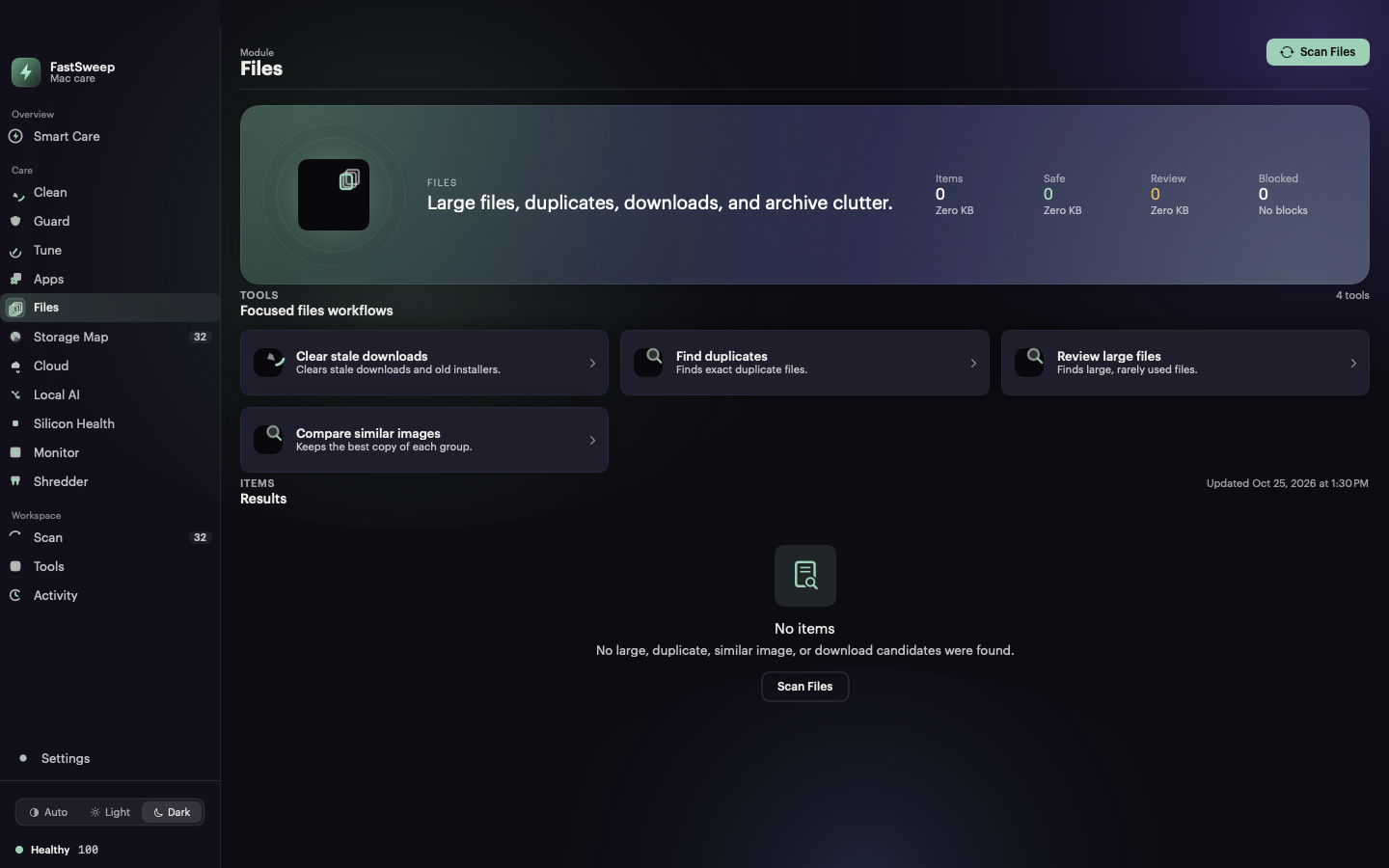
Large files, duplicates, similar images, and stale downloads.
A graphical, zoomable map of what actually occupies the volume.
Dropbox, Google Drive, and OneDrive cleanup over OAuth PKCE.
Model weights, editor and CLI caches, and local vector stores.
Apple-silicon swap-write risk, battery cycle health, and S.M.A.R.T. status.
Live CPU, memory, swap, network, battery, and disk graphs. Read-only.
Confirmed multi-pass secure delete for files that must not come back.
Everyday surfaces
FastSweep lives in the menu bar, on your desktop, and on a schedule — not just in a window you have to remember to open.
Status at a glance with per-metric sparklines, quick actions, and the next scheduled maintenance run.
A read-only status snapshot on your desktop with deep links straight into the matching screen.
Daily, weekly, or monthly automatic runs. The menu bar always shows when the next run is due.
One-click installs fetched from cryptographically signed manifests, verified before they run.
An input-dimming overlay so you can wipe the display safely. Three enforced escape routes, 120s hard cap.
A local record of every action with item, path, size, behavior, and result. Yours, on your disk.
The popover samples live vitals and keeps a per-metric sparkline history in memory. Scheduled maintenance shows its next run in the menu bar; in the Mac App Store edition the schedule reminds you instead of running writes automatically.
Three steps
One click scans the care surfaces your edition exposes and computes a health score in seconds. Pause or cancel anytime; partial results stay available.
Each item lists its reason, size, and proposed action. Similar images open a side-by-side compare so you keep the right one.
Only what you confirm runs. Removals go to Trash where possible, and every action is written to a local log you can reopen.
Read-only care is free on the Mac App Store. The Direct edition adds the full write-capable toolset — cleanup, shredder, cloud cleanup, and signed updates.
macOS 11 Big Sur or later · Universal binary · No account needed to scan