
Clean
Caches, logs, and system junk — every item reviewable before it is deleted.
- User and system caches, logs, mail attachments, Trash bins
- Running-app caches are flagged, never yanked
- Nothing is removed until you approve the review list
One Fast Scan scores your Mac across nine care surfaces, and every single finding is reviewable before anything changes. Read-only care on the Mac App Store; the full write-capable toolset in the Direct edition.
Free on the Mac App Store · macOS 11 Big Sur or later · Universal binary
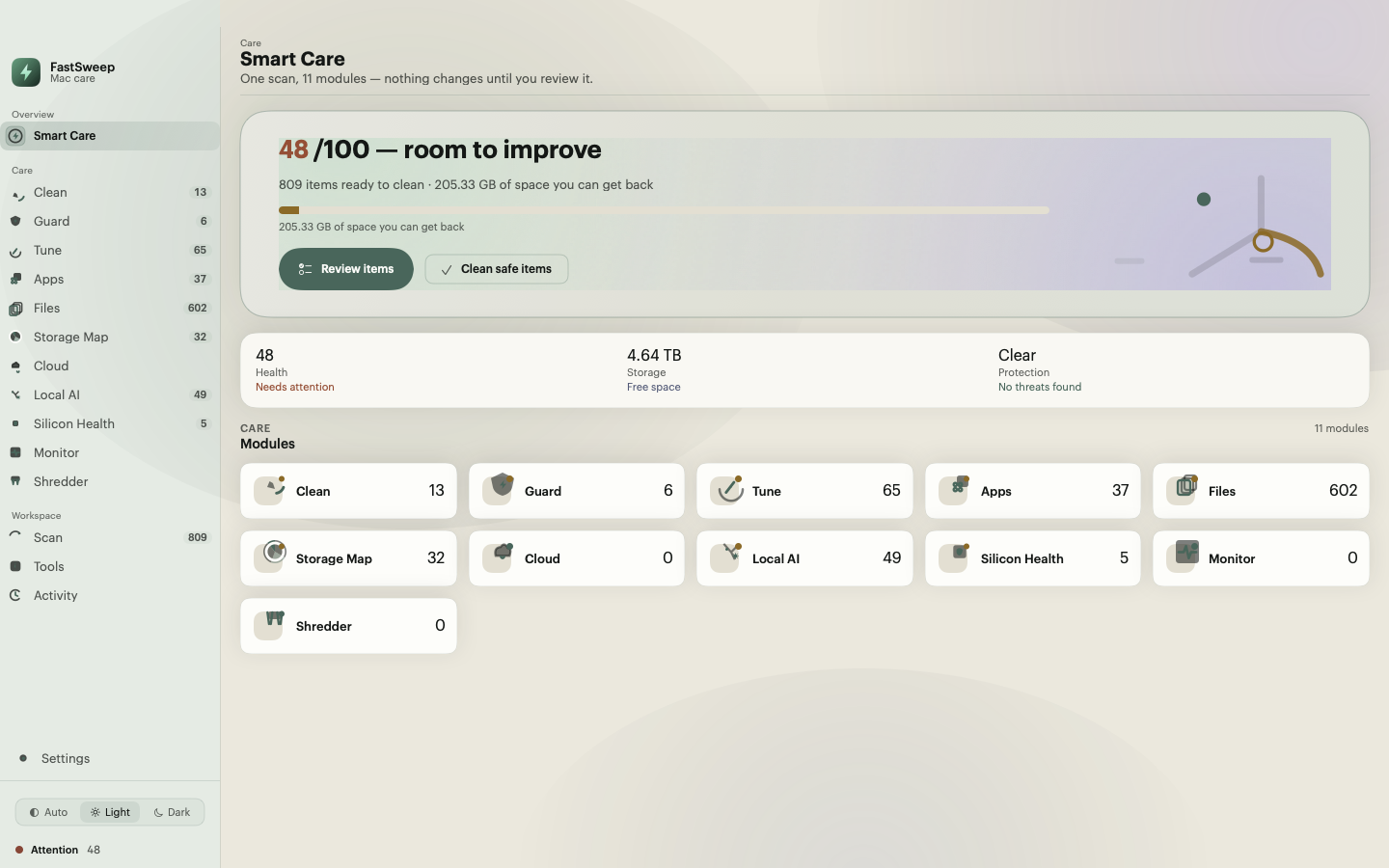
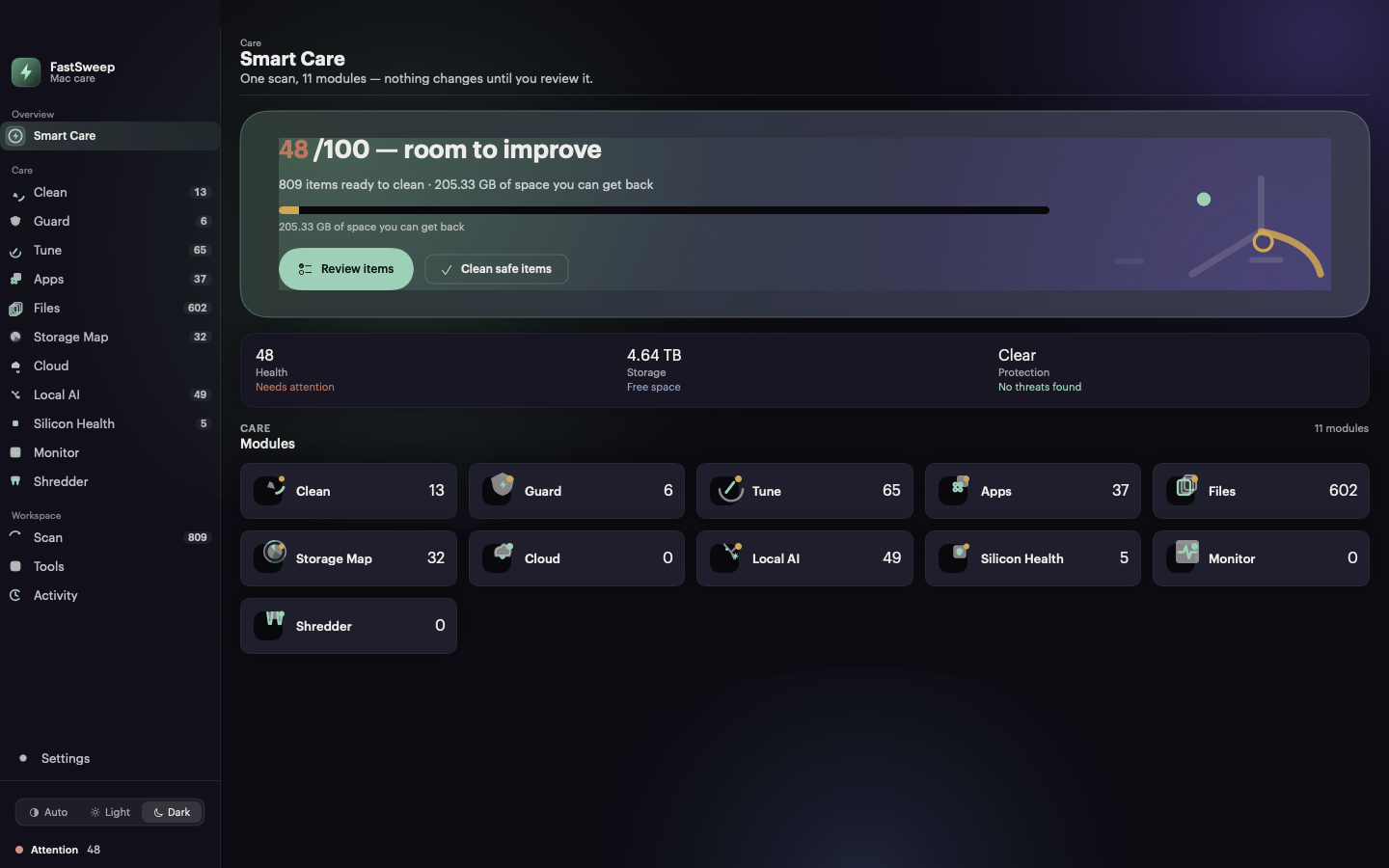
Eleven care surfaces
Fast Scan covers nine of them in a single pass. Monitor and Shredder are always-on surfaces outside the scan. Surfaces marked Direct need the Direct edition, because the App Sandbox cannot do writes.
Caches, logs, and system junk — every item reviewable before it is deleted.
Signature malware scan plus a user-space realtime file-event watch.
Maintenance tasks, login items, and background services you control.
An inventory with on-demand sizes and an uninstaller that finds leftovers.
Large files, duplicates, similar images, and stale downloads.
A graphical, zoomable map of what actually occupies the volume.
Dropbox, Google Drive, and OneDrive cleanup over OAuth PKCE.
Model weights, editor and CLI caches, and local vector stores.
Apple-silicon swap-write risk, battery cycle health, and S.M.A.R.T. status.
Live CPU, memory, swap, network, battery, and disk graphs. Read-only.
Confirmed multi-pass secure delete for files that must not come back.
Everyday surfaces
FastSweep lives in the menu bar, on your desktop, and on a schedule — not just in a window you have to remember to open.
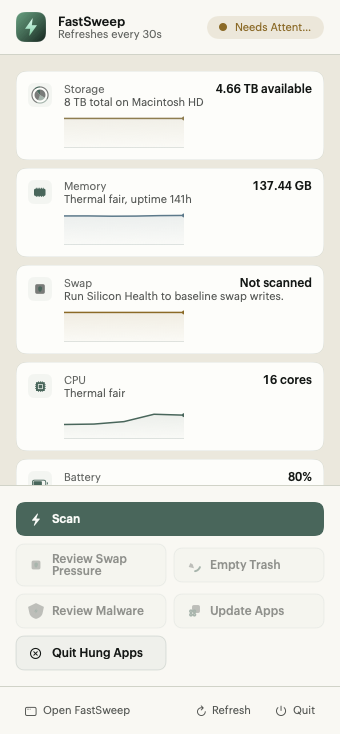
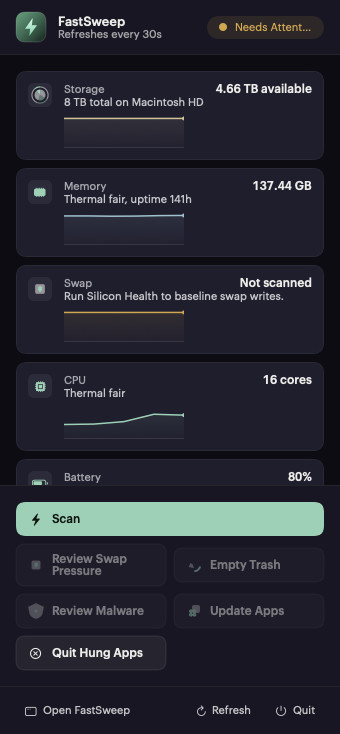
Status at a glance with per-metric sparklines, quick actions, and the next scheduled maintenance run.
A read-only status snapshot on your desktop with deep links straight into the matching screen.
Daily, weekly, or monthly automatic runs. The menu bar always shows when the next run is due.
One-click installs fetched from cryptographically signed manifests, verified before they run.
An input-dimming overlay so you can wipe the display safely. Three enforced escape routes, 120s hard cap.
A local record of every action with item, path, size, behavior, and result. Yours, on your disk.
The popover samples live vitals and keeps a per-metric sparkline history in memory. Scheduled maintenance shows its next run in the menu bar; in the Mac App Store edition the schedule reminds you instead of running writes automatically.
Why FastSweep
Most cleaners are a black box. FastSweep shows its work: clear reasons, sizes, and a full audit log for every action — so you stay in control.
Read the safety modelA single pass scans Clean, Guard, Tune, Apps, Files, Storage Map, Cloud, Local AI, and Silicon Health — then computes a 0–100 health score with plain-language reasons.
Nothing is deleted until you approve it. Each finding shows its reason, size, and proposed behavior, and safe-by-default items still wait for your review.
The sandboxed Mac App Store edition is read-only care: scanning, monitoring, and silicon health. The Direct edition adds every write-capable tool. We say which is which.
Scans run locally on your Mac. No account is required to scan and review, and personal data such as prompt history is classified high-risk and never auto-cleaned.
Three steps
One click scans the care surfaces your edition exposes and computes a health score in seconds. Pause or cancel anytime; partial results stay available.
Each item lists its reason, size, and proposed action. Similar images open a side-by-side compare so you keep the right one.
Only what you confirm runs. Removals go to Trash where possible, and every action is written to a local log you can reopen.
Security & privacy
FastSweep is built so the dangerous default is impossible: review before removal, Trash over permanent delete, a local log of every action, and no kernel extensions anywhere.
Explore the safety modelScans run locally. Scan and review without an account — nothing leaves your Mac.
Every finding shows its reason, size, and proposed behavior. Nothing runs without your approval.
The malware monitor is a user-space FSEvents file-event watch. It flags matches; it never kernel-blocks or auto-deletes.
The sandboxed App Store edition is read-only. Write-capable tools ship only in the Direct edition, and we label which is which.
Questions
Yes. FastSweep is review-first: every finding shows its reason, size, and proposed behavior, and nothing is removed until you approve it. Where possible removals go to the Trash rather than being permanently deleted, and every action is written to a local log so you can see exactly what happened.
The Mac App Store edition runs inside the App Sandbox, so it is read-only care: the Smart Care health scan over read-only system health, the live Monitor, Silicon Health, the menu-bar popover, and the desktop widget. The Direct edition lifts the sandbox and adds every write-capable tool — cleanup, the uninstaller, Guard scanning and its realtime watch, the Shredder, cloud cleanup, the signed updater, and Screen Cleaning Mode. Both editions are the same native app; the edition is decided at build time.
No, and we do not claim that it does. The realtime watch is a user-space FSEvents file-event monitor: it watches file events, matches them against the local signature database, and raises an alert with a proposed quarantine action. It takes no autonomous filesystem action — nothing is moved, quarantined, or deleted until you confirm through the normal review flow. FastSweep has no kernel extension and no kernel-level blocking.
Scanning, analysis, and cleanup decisions run on your Mac, and no account is required to scan and review. Cloud cleanup connects to your provider with OAuth PKCE over a loopback redirect so tokens never pass through a third party, and provider removals land in the provider trash so originals stay recoverable.
FastSweep runs on macOS 11 Big Sur and later as a universal binary for Apple Silicon and Intel. Silicon Health adds Apple-Silicon-specific signals: swap-write rate and projection, battery cycle count against the rated design life, and the disk S.M.A.R.T. status exactly as macOS reports it.
No. Those claims are marketing fiction on modern macOS. FastSweep shows you live memory, swap, and disk signals in the Monitor and explains swap-write pressure in Silicon Health, but it never purges memory or runs disk benchmarks.
Yes, in the Direct edition. The Apps surface removes the app bundle plus related support files, containers, receipts, launch agents, caches, and preferences — and its leftover sweep finds residue from apps you already deleted. App sizes are enriched on demand so the inventory opens instantly.
The Mac App Store edition is free with no account, subscription, or external purchase. The Direct edition is a free download: scan and review work without an account, and write-capable tools unlock with a trial or a plan managed through the in-app account.
Read-only care is free on the Mac App Store. The Direct edition adds the full write-capable toolset — cleanup, shredder, cloud cleanup, and signed updates.
macOS 11 Big Sur or later · Universal binary · No account needed to scan